A lightweight macOS menu bar app for remapping keyboard keys.
Download for macOSVersion 1.5 · Free · macOS 13.0+ · ⚠ Not available on your platform
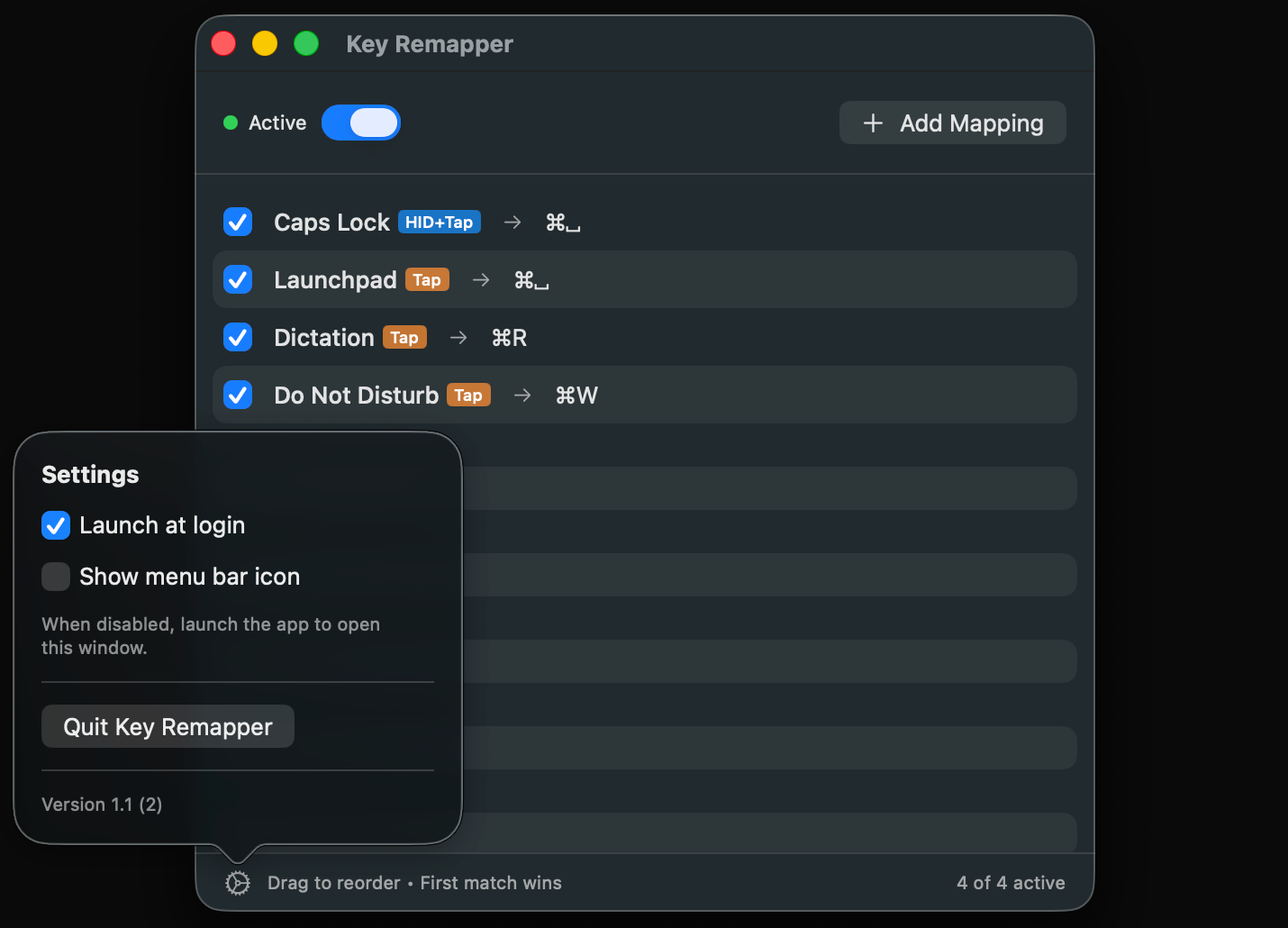
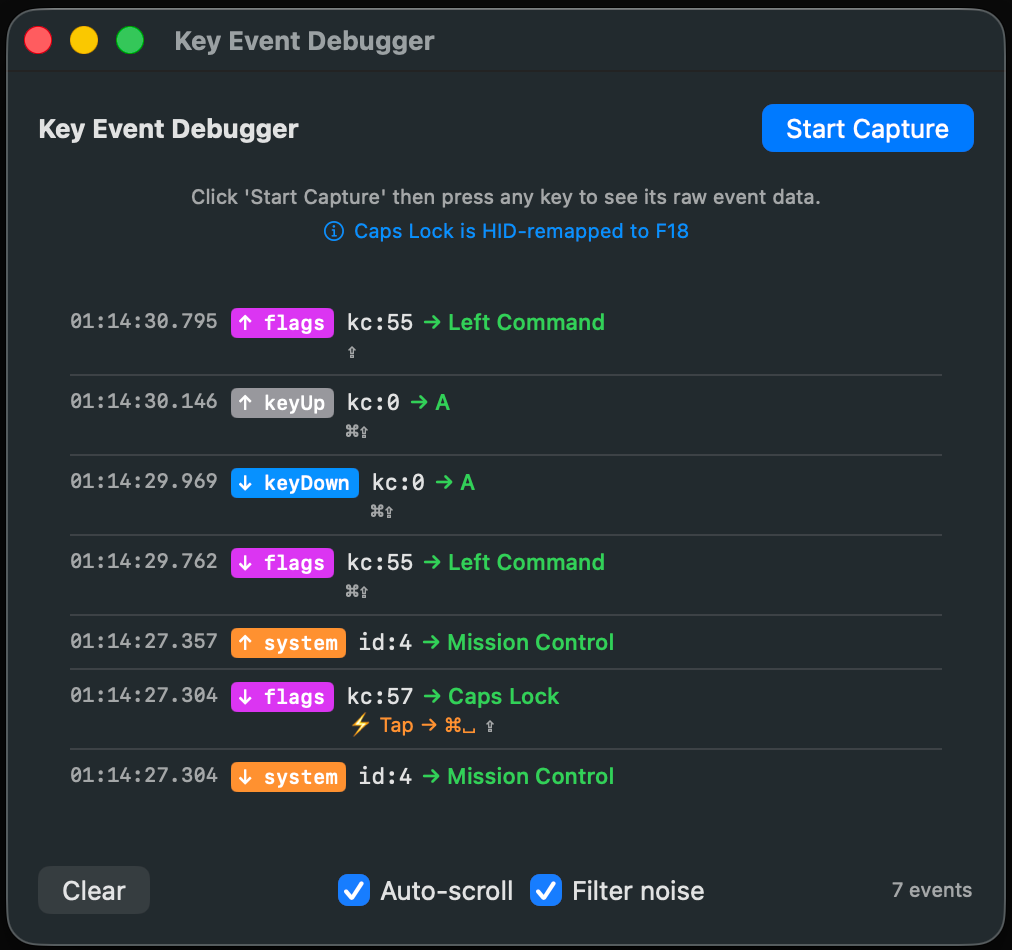
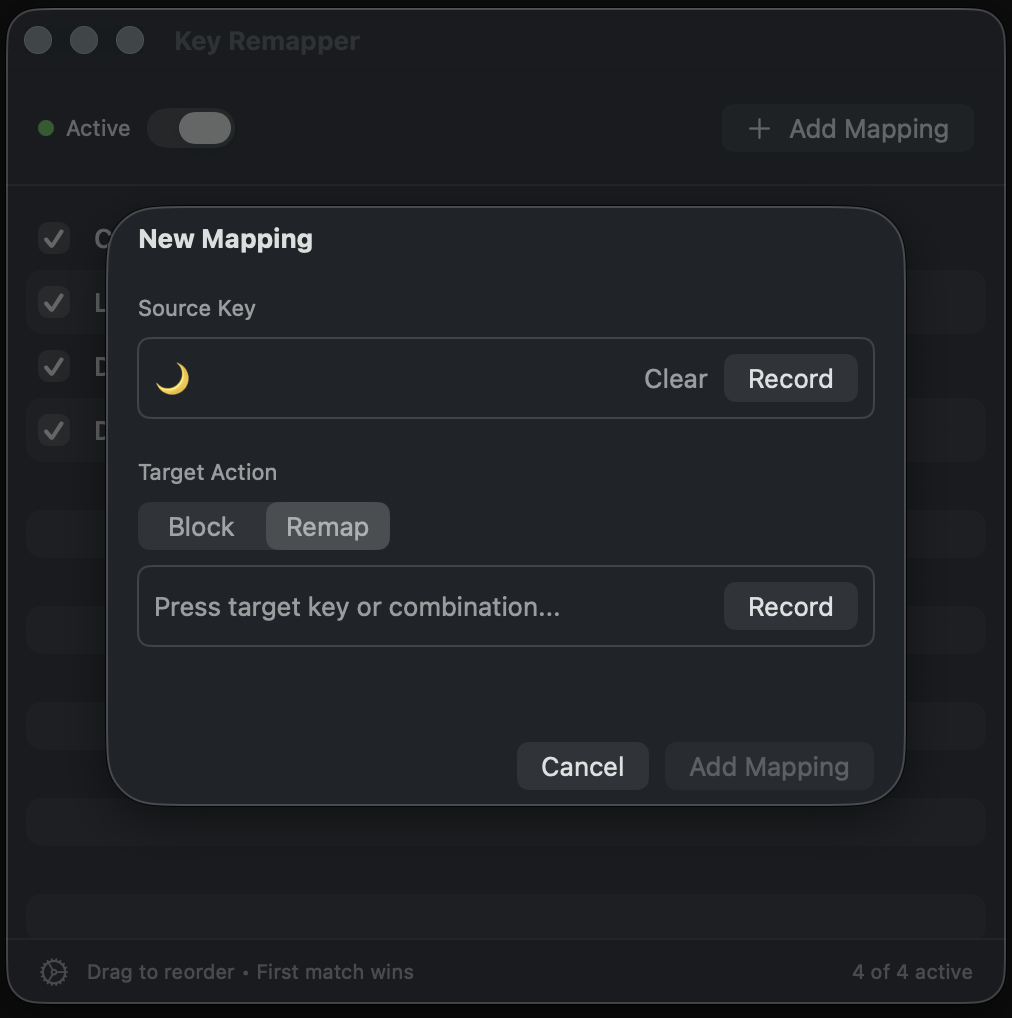
Remap keys to other keys, key combinations, or block them entirely.
HID-layer remapping bypasses macOS debouncing for zero-delay response.
Remap brightness, volume, media controls, Mission Control, and Launchpad.
Remap the Fn tap gesture separately from Fn hold. Tap triggers Globe, hold works normally.
Map a single key to output a key with modifiers, like Caps Lock to Cmd+Z.
Runs quietly in the background with an optional menu bar icon.
Start automatically when you log in. Enable in Settings.
Accessibility permission is required to intercept keyboard events system-wide. Without it, the app cannot detect or remap key presses.
Key Remapper uses HID-layer remapping for Caps Lock, which operates at the hardware driver level. This bypasses the 75ms delay that macOS normally applies to Caps Lock.
Yes. Open Settings and disable "Show menu bar icon". To access Settings again, simply launch the app from Applications.
Launch the app from Applications to open the Settings window, then click "Quit Key Remapper".
Yes. All mappings are saved automatically and restored when the app launches. Enable "Launch at login" in Settings to have remappings active immediately after you log in.
Not currently. All remappings are system-wide and apply to every application.
 Key Remapper